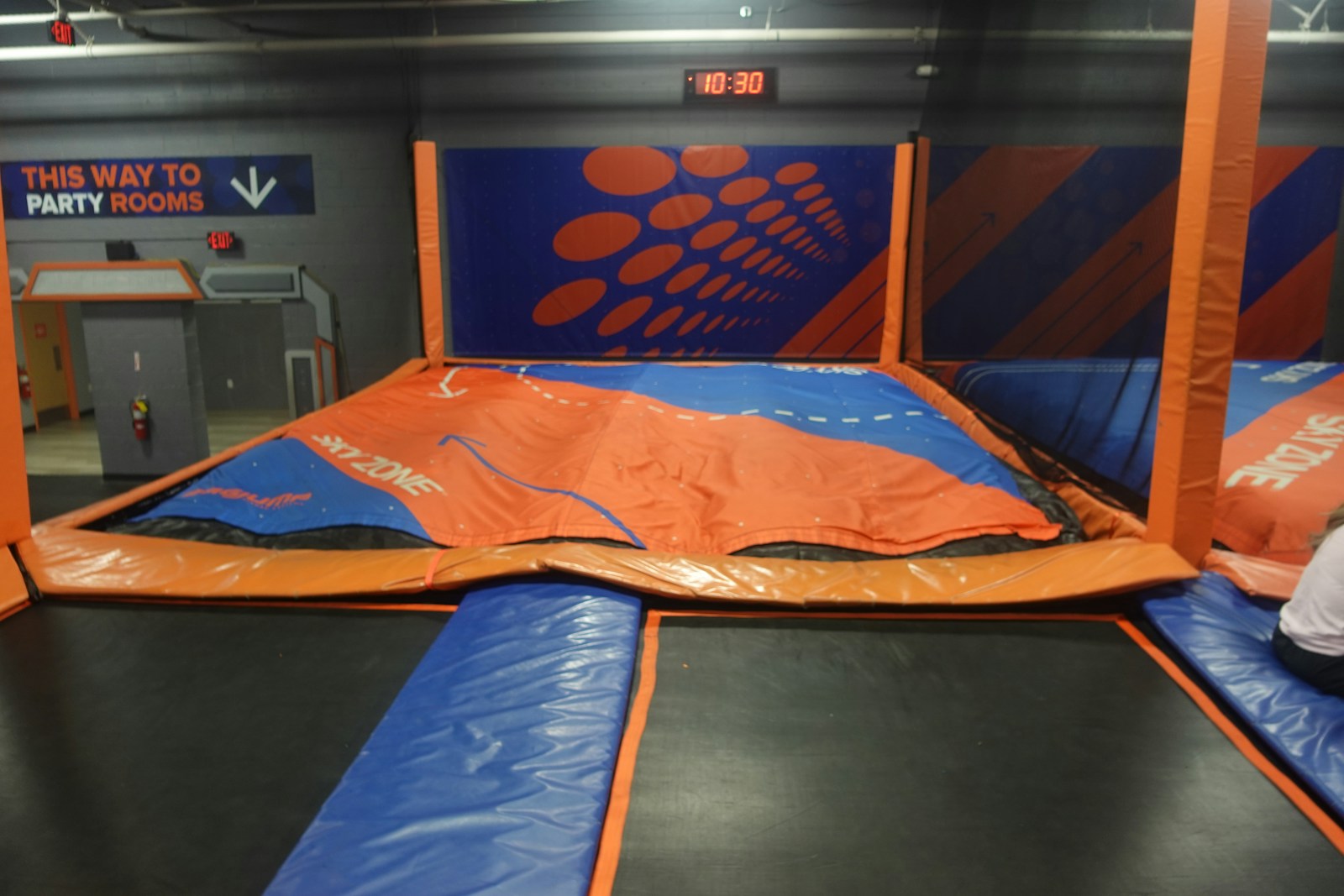
Sky Zone Tampa is an indoor trampoline and active-play park designed for high-energy fun for kids, teens, and adults. The facility features wall-to-wall jumping along with a mix of attractions that keep groups moving and engaged. Visitors can expect classic trampoline areas, along with games and challenge zones, including dodgeball-style play, a slam-dunk court, foam-pit landings, and other rotating or Read more...
Watermelon Swim – Lutz offers year-round, indoor swim lessons for all ages and abilities, from infants (Water Babies and Parent-Tot programs) through adults, including specialized classes for swimmers with disabilities. All instructors are CPR/First Aid and lifeguard certified, complete over 100 hours of initial training plus ongoing continuing education, and maintain low student-to-teacher ratios to ensure personalized attention and a Read more...
Watermelon Swim – Brooksville provides year-round, indoor swim lessons for all ages and abilities, from infants (Water Babies and Parent-Tot programs) through adults, including specialized classes for swimmers with disabilities. All instruction takes place in a privately owned, state-of-the-art facility—no renting space at a gym—and every instructor is CPR/First Aid and lifeguard certified, completes 100+ hours of initial training plus Read more...
Watermelon Swim – Riverview provides year-round, indoor swim lessons for all ages and skill levels, from infants through adults (including specialized classes for swimmers with disabilities). Lessons are available in both group and private, one-on-one formats, ensuring flexible options to suit every swimmer’s needs. All instruction takes place in a privately owned, state-of-the-art facility—no sharing space with crowded gyms—and every Read more...
Watermelon Swim – Wesley Chapel offers year-round, indoor swim lessons for all ages and abilities, from infants through adults, including specialized classes for swimmers with disabilities. Instructors are CPR/First Aid certified, trained in water safety and lifeguarding, and participate in ongoing education to ensure small student-to-teacher ratios and personalized attention. The facility features a heated, private pool with state-of-the-art equipment: Read more...